Stop playing on dead strings.
Racquet keeps your racquets, strings and court time in one place, and tells you when it’s time to restring.
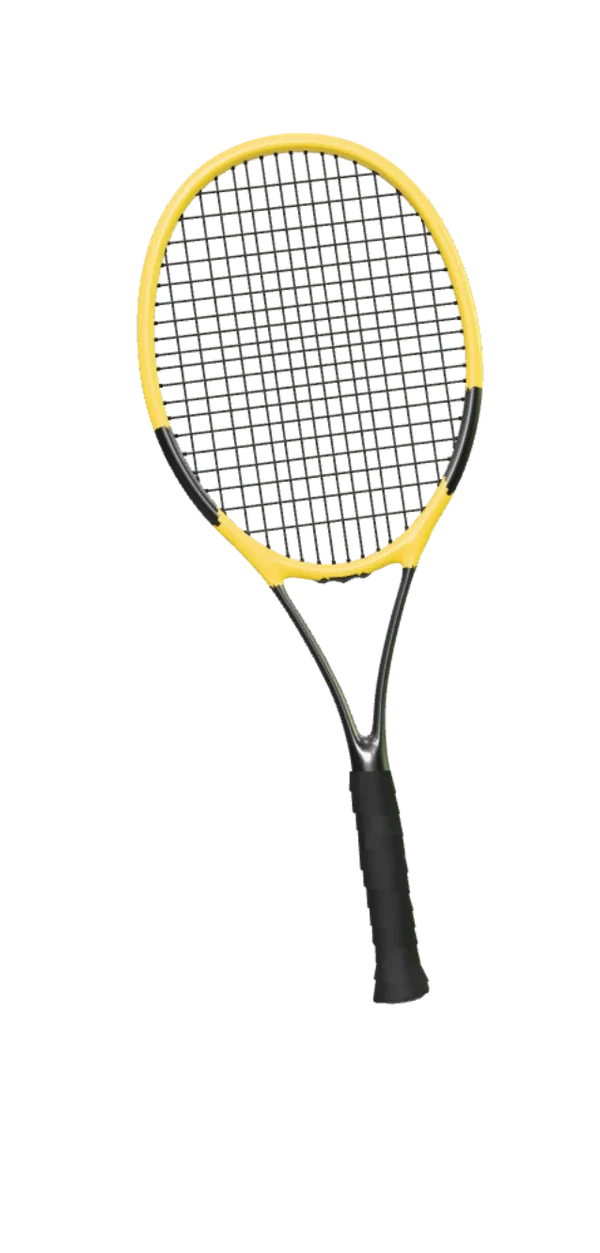
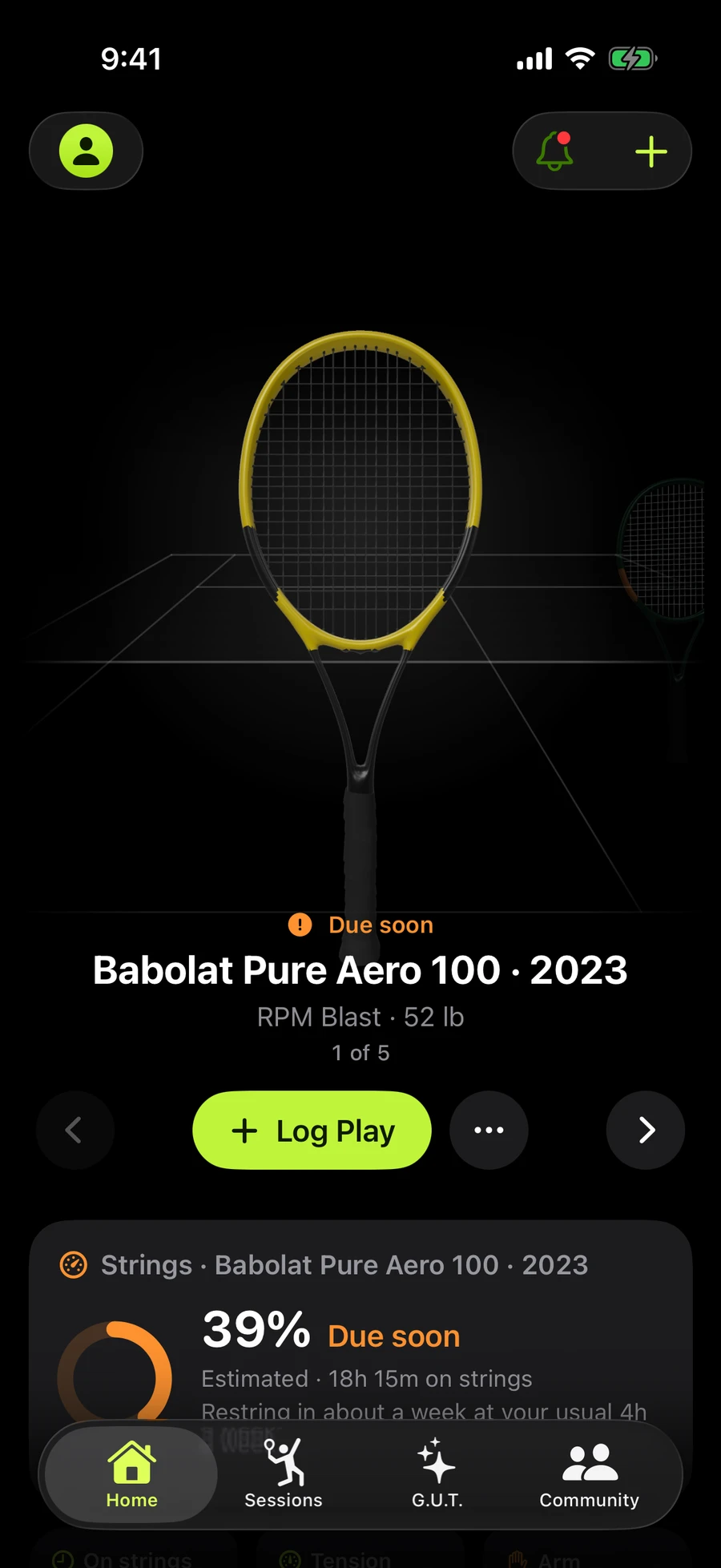
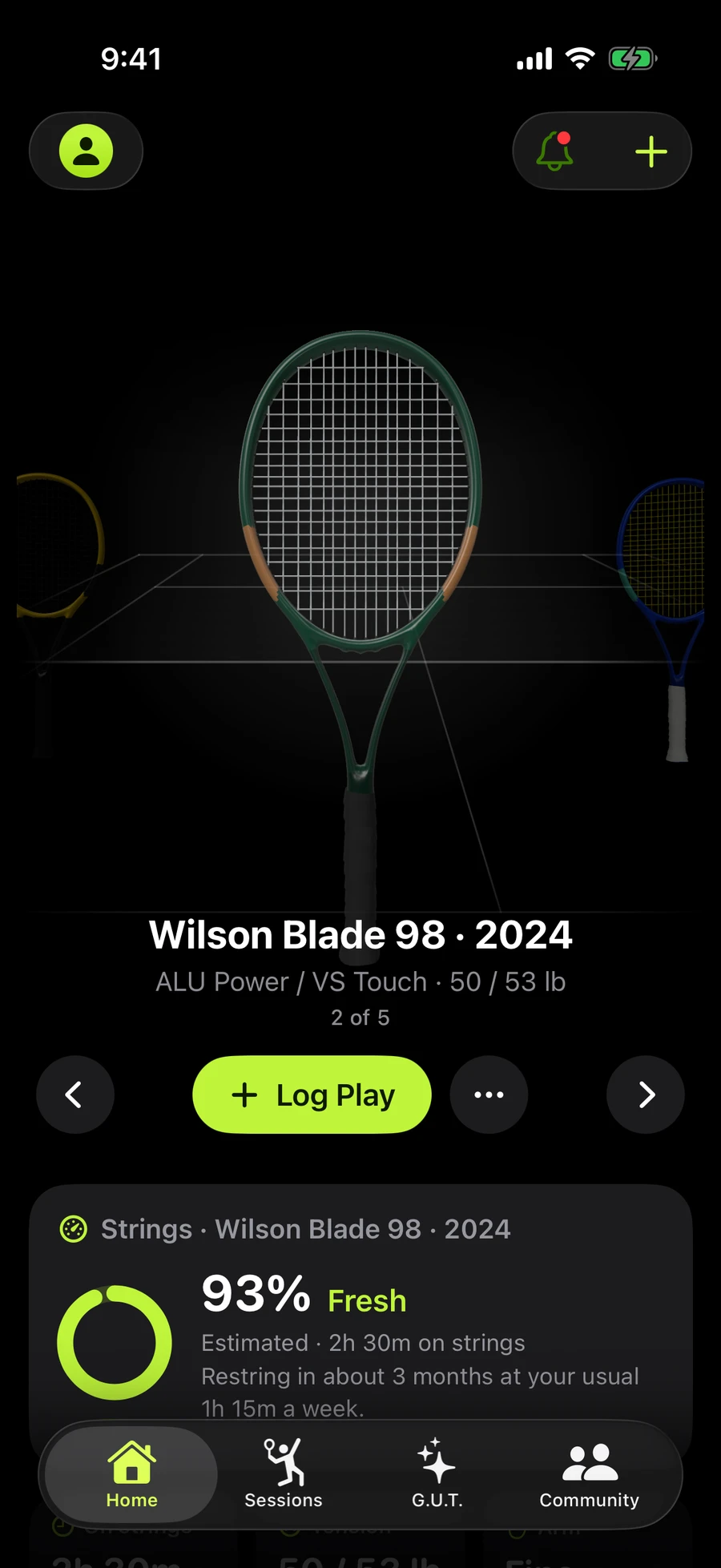
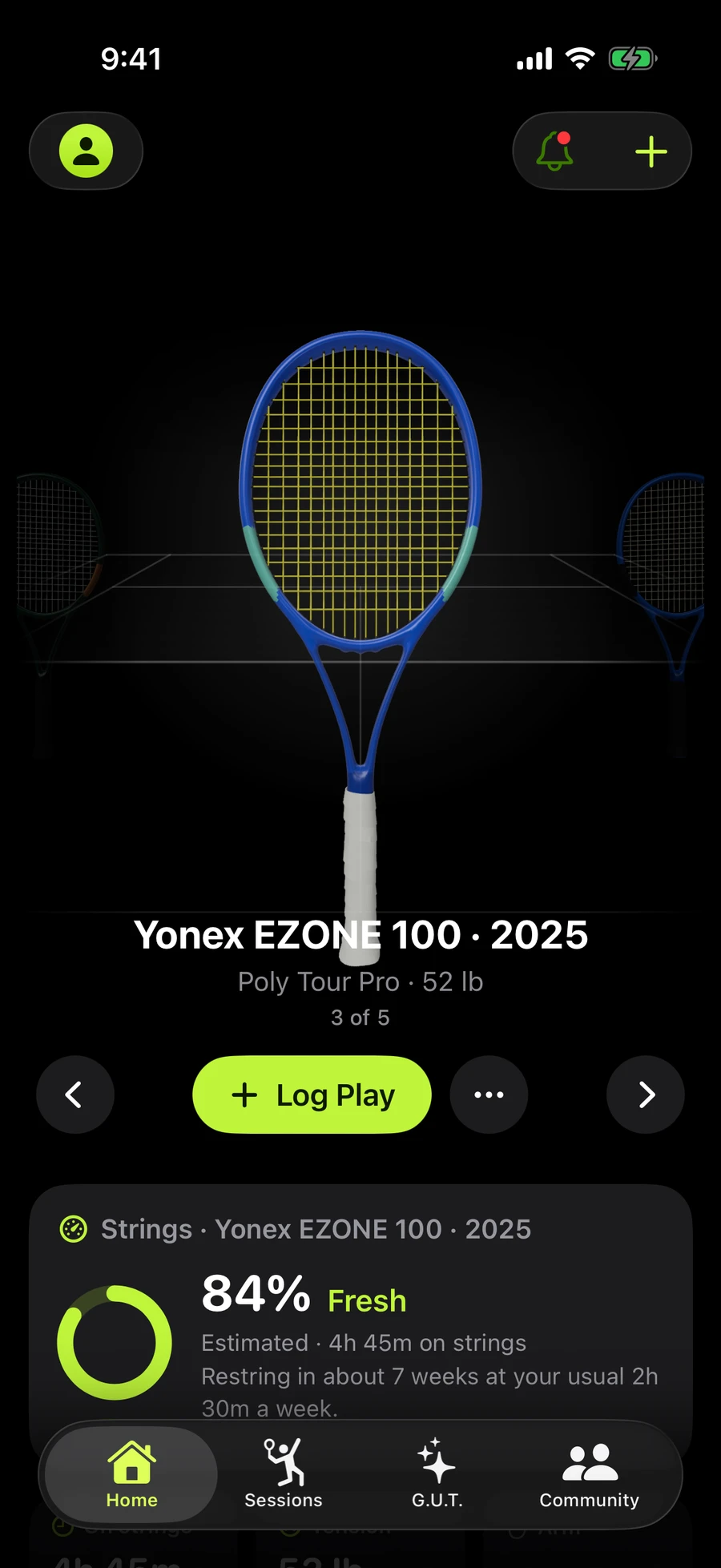
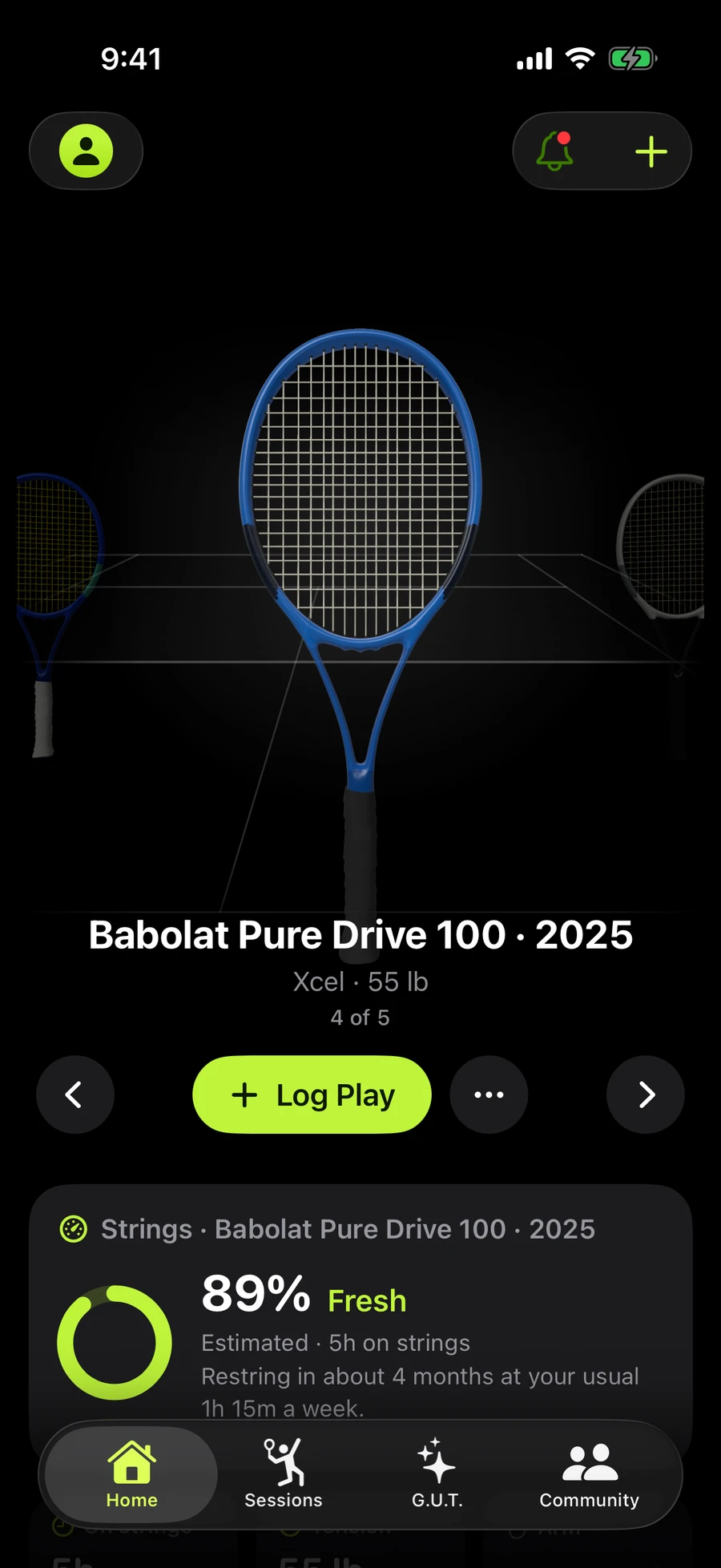
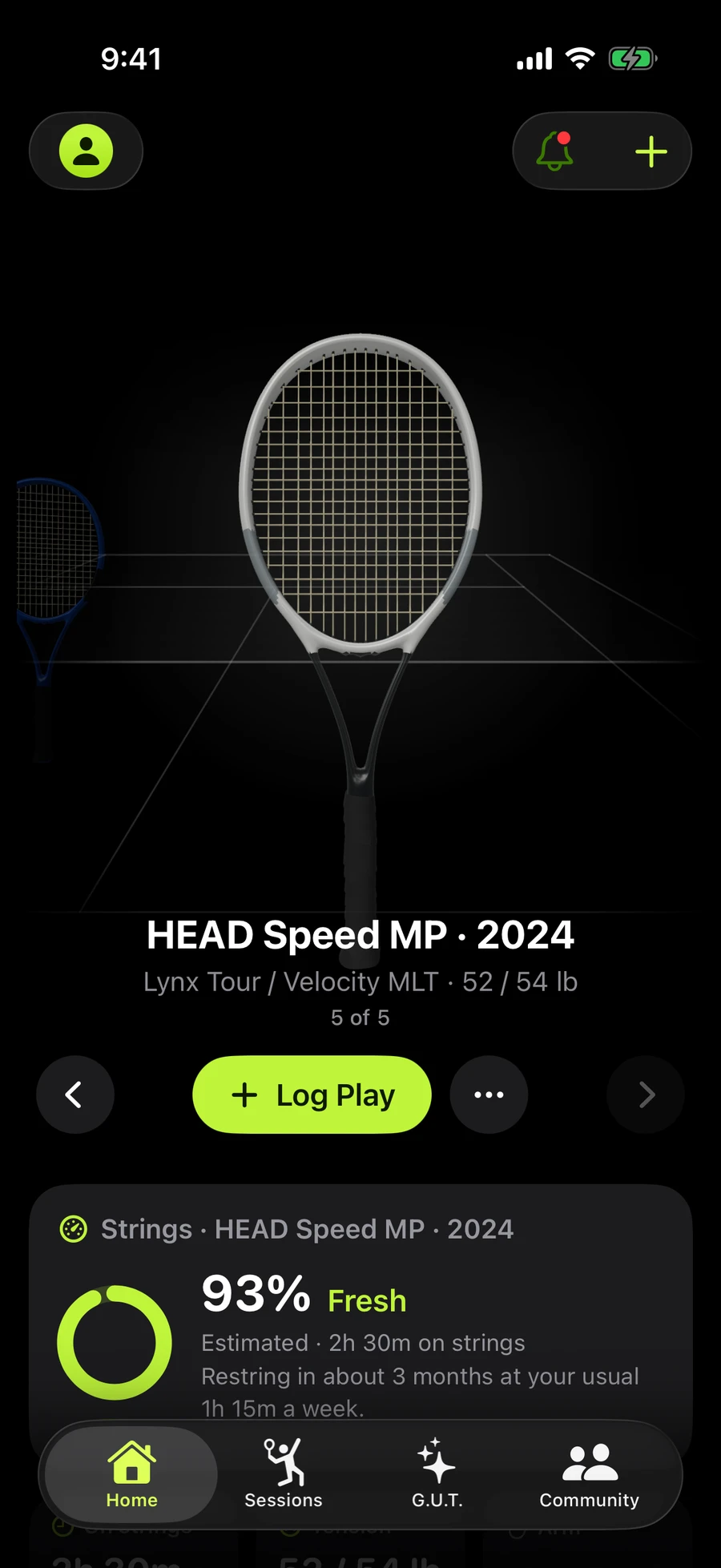
Babolat Pure Aero 100 · 20231 of 5
Add it. Play it. Know it.
Add your racquet
Find it in the catalogue, snap it, or type it in. Then add your strings.
Log your play
Practice or match, in a few taps. Or time it on court.
Know your strings
Racquet tells you when they’re due, before they go dead.
Meet Gut, your tennis assistant
Gut does it for you, knows your game and talks tennis.
Gut knows your racquets, strings and play. Ask it anything, or tell it what happened, and it’s done.
- Does it for you. “Add an hour of practice yesterday.” Logged. “Restrung with RPM at 52.” Recorded. Every change has Undo.
- Knows your game. When to restring, which setup felt best, how your arm’s been, from your own logs.
- Talks tennis. Strings, gauges, tension and hybrids, explained for how you play.
Add a 90 minute match yesterday with the Blade. Won 6–4, 6–3.
Every racquet. Yours included.
Wilson, Babolat, Yonex, HEAD, Tecnifibre, Dunlop, Prince, Solinco, Volkl, Lacoste and Mizuno, each in its own colours. Not listed yet? Add any racquet by hand and match its colours.
- Pick from the catalogue
- Photograph your racquet
- Enter any racquet
Watch your strings fade.
This runs the same estimate as the app. Pick your strings and how you play, then log some tennis.
An estimate from published stringing guidance, not a tension reading.
How we estimate string healthFresh
- Played
- 0h
- Strings age
- New
- Due around
- 25 h
Match time counts a little more than practice.
The little things, handled.
On-court timer
Start it on court and follow it on the Lock Screen. End it and Log Play opens with the minutes filled in.
How it works.
Tap Start when you walk on court. The timer runs on your Lock Screen and in the Dynamic Island, so you never need to open the app mid-match.
When you’re done.
End it and Log Play opens with the minutes already filled in. Pick practice or match, add how it felt, and save.
Milestones and challenges
Awards along the way, starting with your first racquet, and new challenges every month. Give it a spin.
Awards.
Medals mark the moments that matter along the way, starting with your first racquet. Each one is yours to spin and look back on.
Monthly challenges.
Every month brings a few small goals, like playing on eight days or checking in on your arm. Progress fills in as you log.
Share a racquet card
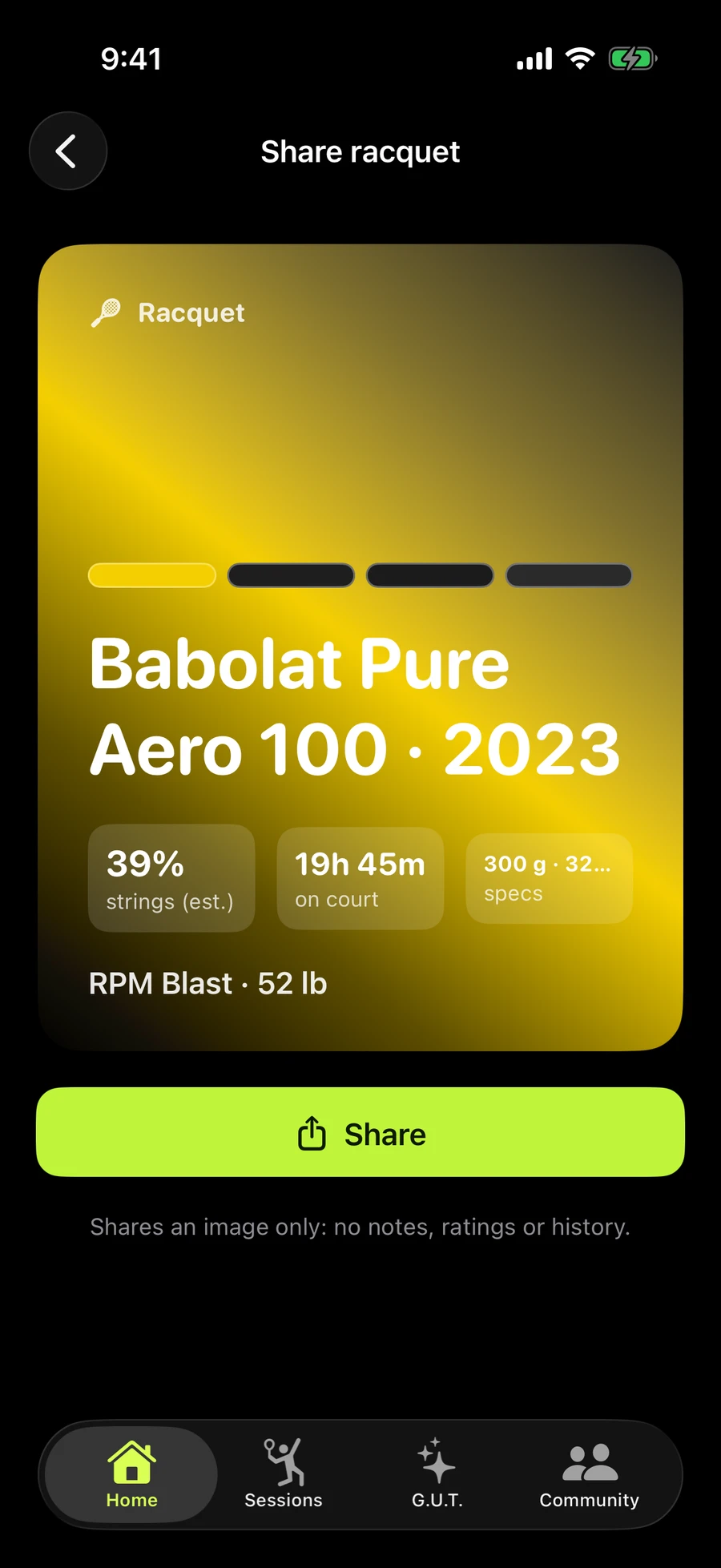
A clean image of your racquet and setup. Private notes stay private.
What’s on it.
Your racquet in its own colours, the strings and tension, hours on court and the estimated string condition.
What isn’t.
Notes, arm check-ins and opponents’ names never appear on a card. Share it to Messages, Instagram or anywhere else.
Apple Health
Bring in tennis workouts from Apple Health as sessions.
Your workouts, as sessions.
Tennis workouts from Apple Watch or another app show up for you to review. Pick the racquet for each one and they become sessions, no typing.
Stays on your iPhone.
Racquet only reads tennis workouts, never writes to Health, and Health data never leaves your iPhone.
Home Screen widgets
Your strings with a quick Log Play, and your week at a glance.
Your strings.
See your racquet’s estimated string condition and log a session straight from the Home Screen.
Your week.
Hours on court and the days you played, at a glance.
Send to your stringer
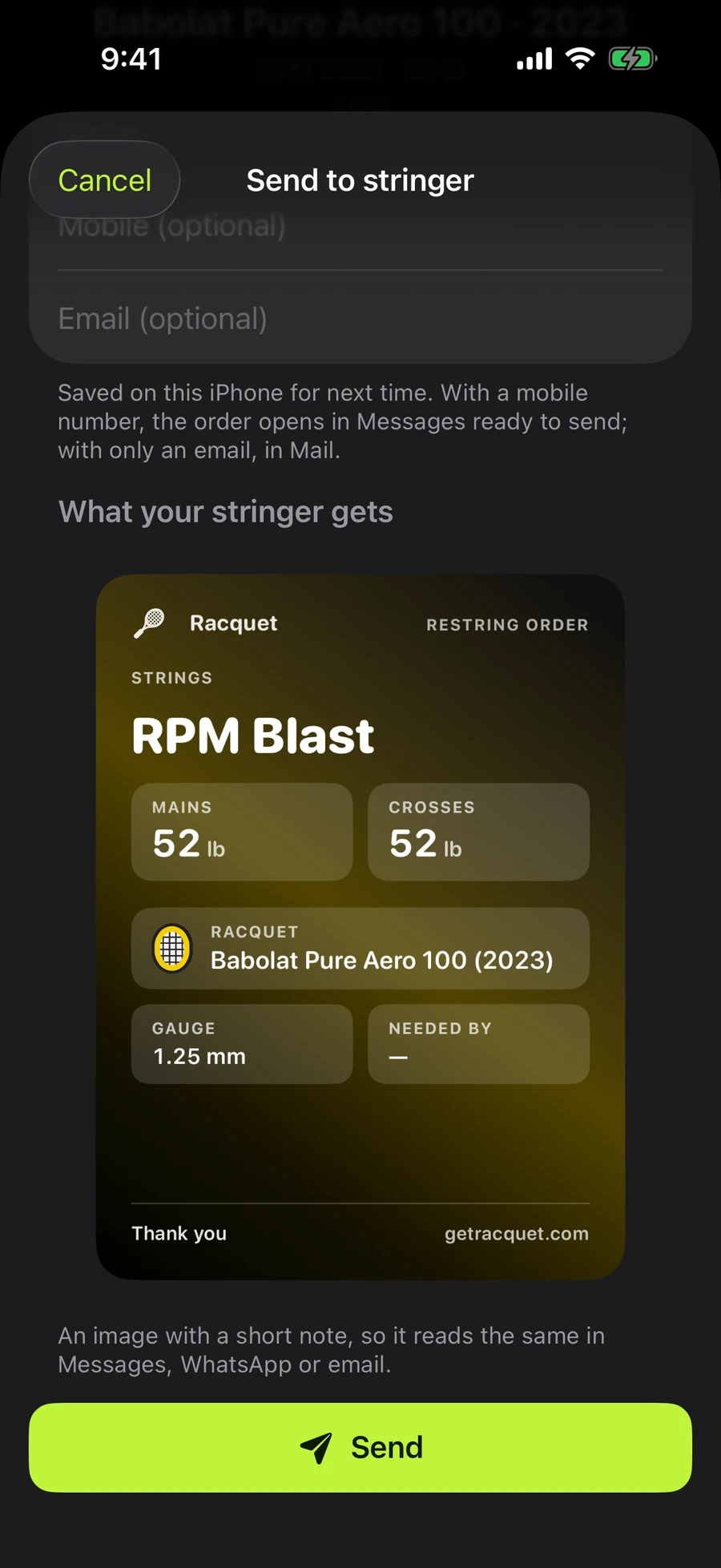
Your exact setup, ready to send: strings, gauge and tension in one message. Next time, it’s one tap.
No more guessing.
Racquet writes the order from your current setup: mains and crosses, gauge, tension and when you need it back. Send it by Messages, or share it any other way.
Same again.
Save your stringer once and the next order is a single tap. Racquet asks if you’ve got it back, then records the restring for you.
Reminders
Optional restring reminders, and one panel for anything that needs you.
When strings are due.
Optional reminders when a racquet’s strings are estimated to be due. Plain and calm, never pushy.
One place.
Restrings due, rackets to pick up and new medals all sit in one notifications panel. You can pause everything for a while.
Backup and archive
Back up your library to a file. Retire old frames and keep their history.
Backups.
Export your whole library to a file and keep it wherever you like. Restore it on a new iPhone in a tap.
Retire, don’t lose.
Archive a frame you no longer play. Its sessions and string history stay, and you can bring it back any time.
Private by design. Your library lives on your iPhone.